
01
Foundation
Build Locally First
Learn why the website should begin on your own computer before you spend money on hosting or touch a live server.
This is the core of website.co.jp: a practical training path for building websites with ChatGPT in the right order. It teaches a calm, disciplined workflow—local first, filenames first, images before page drift, shared CSS/JS before page sprawl, detail pages before section indexes, sitemap files before the homepage, and honest review at the end.

Many people do the hardest parts first: homepage too early, vague filenames, random images, bloated page-level CSS, and no stable structure. This training path flips that. It teaches the sequence that makes the whole build calmer, cleaner, and harder to derail.
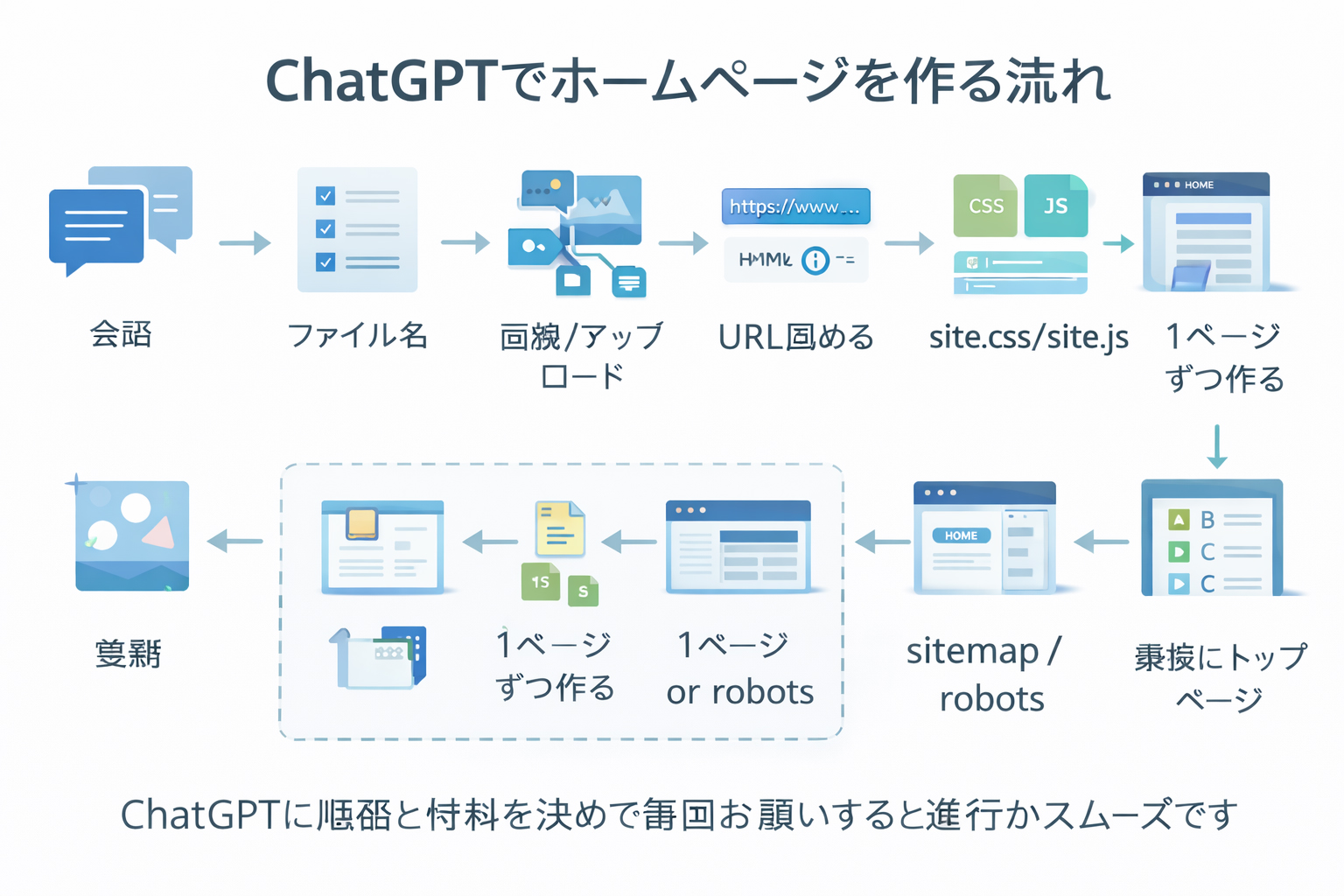
Each step builds on the last one. This is not random advice. It is a structured production method.
Learn why the website should begin on your own computer before you spend money on hosting or touch a live server.
Clarify the purpose, audience, sections, language structure, and tone before generating filenames or HTML.
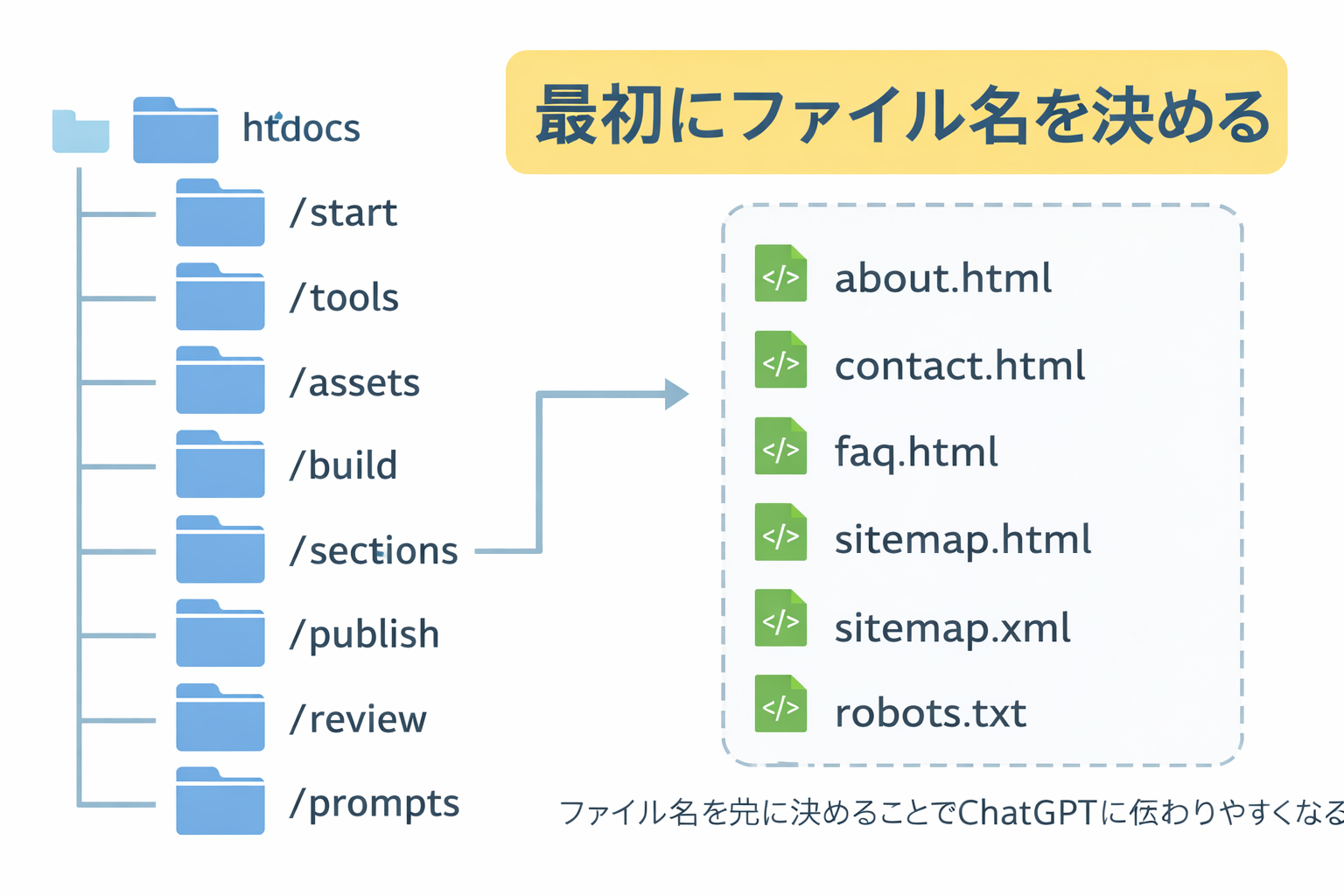
Approve the file tree first. Let the structure exist before the page generation begins.
Plan and create the image system early: hero visuals, workflow graphics, tool images, and Webbie assets.
Save the real files into the real folders and inspect the project locally before uploading anything.
Move approved assets to the live server only after the image set and filenames are stable.
Keep a master list of live image URLs and feed them back into ChatGPT during HTML generation.
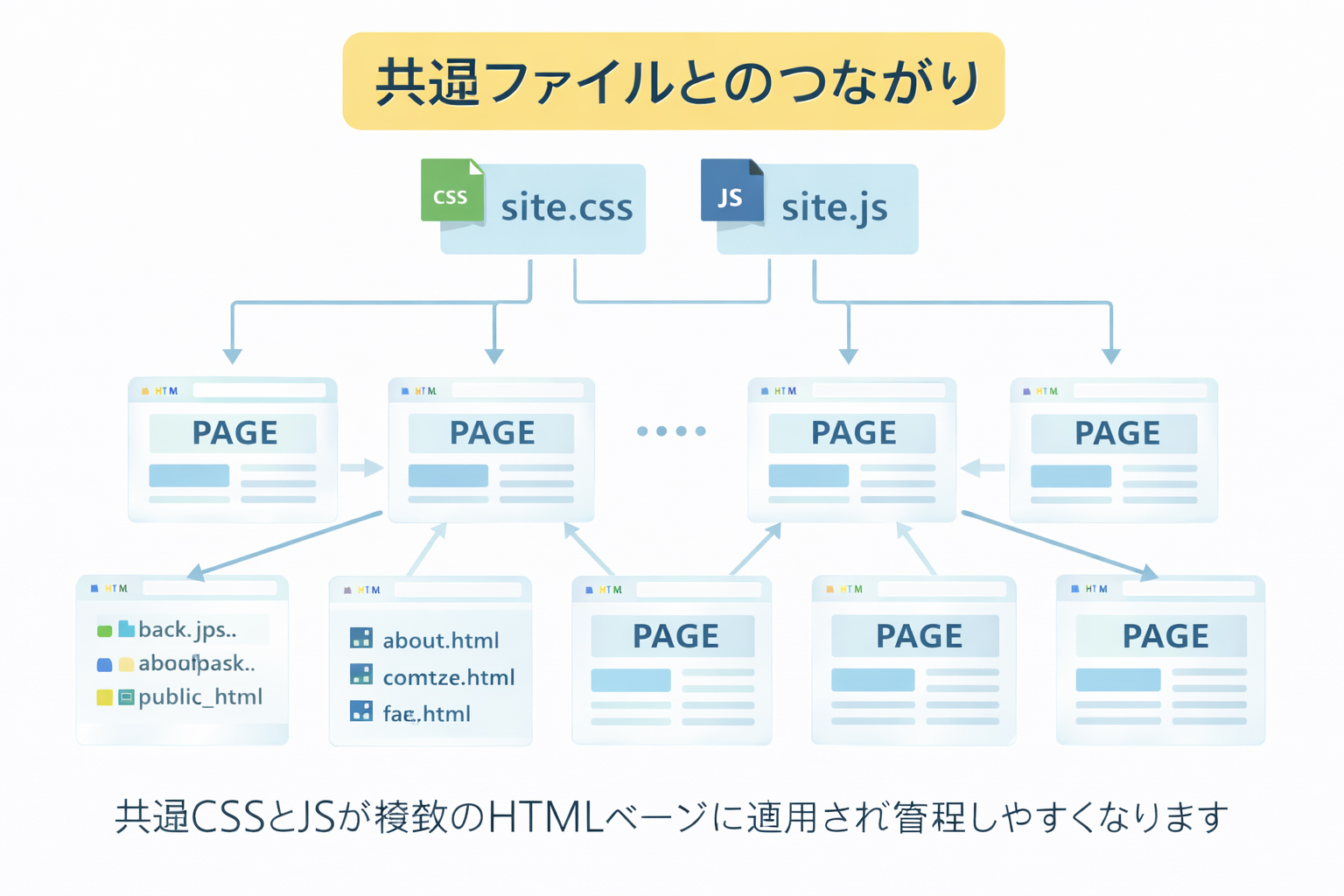
Build the shared CSS and JS foundation before generating many more pages so the whole site stays consistent.
Generate the inner pages one by one using approved filenames, images, and the shared front-end system.
Build the section pages only after the detail pages exist, so they can summarize real content honestly.
Create sitemap.html, sitemap.xml, and robots.txt near the end of the build.
Build the homepage only after the site has real sections, real pages, and real strengths to present.
Ask ChatGPT to review the finished site with honesty and specificity: clarity, structure, mobile quality, trust, and top fixes in order.

This training path is built around business reality and production discipline, not just “AI inspiration.”
The workflow is the lesson. You are not just learning how to get HTML from ChatGPT. You are learning how to control a real website project.
You can learn without paying for hosting first. That lowers fear, lowers risk, and makes practice more accessible.
Filenames, assets, folders, and shared files are not afterthoughts here. They are part of how you stay capable and hard to trap.
This path is for owners, beginners, side-project builders, and practical learners who want a durable method, not random prompts.
If you are new to this method, do not skip ahead. The early steps are what make the later ones work properly.
PuTTY, WinSCP, and vi are the practical tools that support the workflow. The training teaches the order. The tools teach operational control.


A website becomes harder to manage when the files are vague, the images are unstable, the CSS is scattered, and the pages are built in the wrong order. The whole point of this method is to replace drift with structure. That is why the sequence matters so much.