


A website gets easier when the idea gets clearer.
ChatGPT can help you build quickly, but speed without definition leads to drift. If you define the site well first, filenames, sections, images, copy, and navigation all become easier to manage.
What does “define the site” mean?
It means you decide the basic identity of the website before generating its pages. This is not coding yet. It is planning. You are answering questions like:
- What is this website about?
- Who is it for?
- What should visitors understand quickly?
- What should they do next?
- What tone should the site have?
- What sections or directories will it need?
If you skip this step, ChatGPT will still generate pages—but they may feel inconsistent, repetitive, or unfocused.
Why this step matters so much
1. It keeps ChatGPT on track
The clearer the purpose, audience, and structure, the less likely ChatGPT is to wander into filler or irrelevant ideas.
2. It improves filenames and folders
Once the site sections are defined, the filename tree becomes much easier to design.
3. It helps the homepage later
A strong homepage is built on real sections and real purpose. This step lays the foundation.
4. It saves rework
Many website projects become messy because people make pages first and try to figure out the site second.
Do not ask for pages before you know what the site is trying to do.
A website is not just content. It is purpose, audience, structure, and sequence.
The six things you should define first
Purpose
What is the website for? A training site? A company site? A travel guide? A portfolio?
Audience
Who is the site for? Beginners? business owners? travelers? students? bilingual users?
Main action
What do you want the visitor to do? Read, learn, contact you, trust you, or move to the next lesson?
Language
Is the site English, Japanese, or bilingual? If bilingual, how will the language structure work?
Sections
What major categories or directories will the site have? Training? Tools? History? About?
Tone
Should the site feel friendly, premium, practical, playful, serious, academic, or direct?
Simple site definition example
Here is a clean example of a site definition summary:
Site type:
A free bilingual training site about using ChatGPT to build websites.

Audience:
Beginners, business owners, and practical learners who want to understand website building.

Main goal:
Teach people a real sequence for planning, building, reviewing, and publishing a website.

Secondary goal:
Teach enough tools and file control that users are less dependent on others.

Languages:
English and Japanese.

Main sections:
Training, Tools, History, FAQ, About Webbie.

Tone:
Friendly, practical, calm, generous, and organized.
Notice how much clarity this gives. Now the site is no longer vague.
The wrong way to begin
A weak website project often starts like this:
- “Make me a homepage.”
- “Make it modern.”
- “Maybe there should be a tools page.”
- “Maybe the site is also about history.”
- “Maybe it should be bilingual.”
That kind of drift creates confusion. You can still recover later, but it is much cleaner to define the site first.
If the site idea keeps changing every few prompts, the HTML will get messy fast.
ChatGPT responds to the direction you give it. If the direction is unstable, the output will feel unstable too.
The right way to begin
A stronger beginning sounds more like this:
I want to build a bilingual training site that teaches people how to use ChatGPT to make websites.
The site should be practical, friendly, and step-by-step.
It should focus on local-first website building, file control, tools like PuTTY and WinSCP, and disciplined page generation.
The main sections will be Training, Tools, History, FAQ, and About Webbie.
Please help me define the site clearly before we generate filenames or HTML.
That is a much stronger starting point. It gives ChatGPT something stable to work with.
Questions to answer before generating filenames
By the end of this step, you should be able to answer:
| Question | Why it matters |
|---|---|
| What is this website for? | Defines the mission |
| Who is it for? | Shapes language and examples |
| What makes it useful? | Clarifies the value |
| What sections belong on it? | Guides filenames and directories |
| Is it single-language or bilingual? | Affects folder structure and navigation |
| What should the tone feel like? | Improves consistency across pages |
How this step helps bilingual sites
For a bilingual site, definition becomes even more important. You should decide:
- whether the site is mirrored in both languages
- whether the structure is the same under
/en/and/ja/ - how the language switch works
- whether tone and page titles should be parallel or adapted
If you define this early, the bilingual site stays much cleaner.
What to write down in your planning notes
You do not need anything fancy. A simple planning note is enough:
Website name:
website.co.jp

Purpose:
Free bilingual training site for building websites with ChatGPT.

Audience:
Beginners, owners, and practical learners.

Main promise:
Learn the real workflow step by step.

Language structure:
English and Japanese in mirrored directories.

Main sections:
Training, Tools, History, FAQ, About Webbie.

Tone:
Helpful, direct, calm, practical, no hype.

Main principle:
Organize first. Build second. Publish last.
This note becomes your anchor. You can feed it back to ChatGPT whenever the project gets complicated.
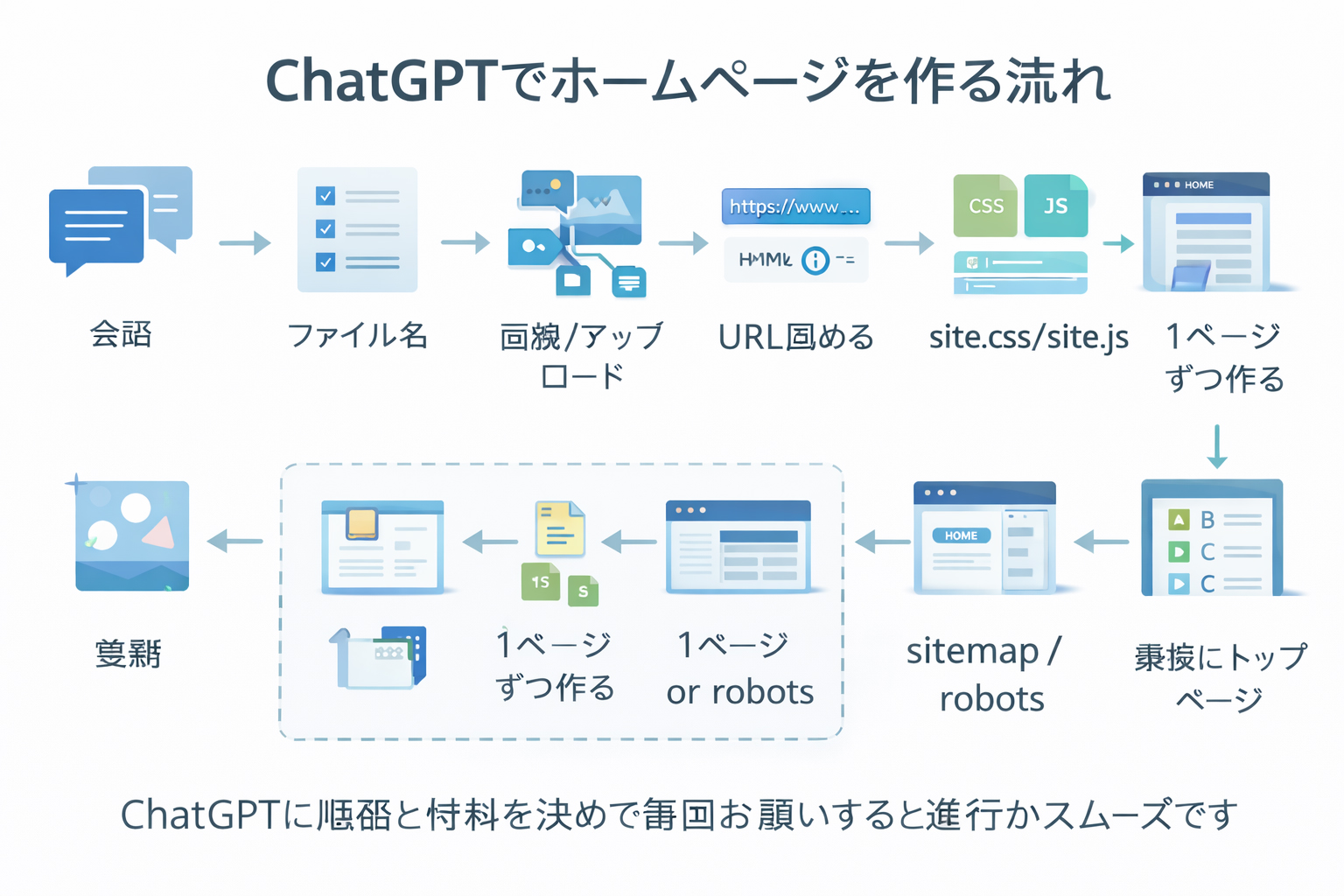
How this step connects to the larger workflow
Once the site is clearly defined, the next step becomes much easier:
- define the site clearly
- decide the filenames and folder structure
- make images
- save files locally
- upload only when ready
This order matters. It is one of the reasons the training site exists.
Practical examples of site definition
Example 1: company website
Purpose:
Introduce the company and generate contact leads.

Audience:
Potential clients.

Main action:
Read services and contact the business.

Sections:
Home, About, Services, FAQ, Contact.

Tone:
Professional, clear, trustworthy.
Example 2: travel guide site
Purpose:
Teach visitors about destinations and help them plan trips.

Audience:
Travelers, first-time visitors, bilingual users.

Main action:
Read guides and continue deeper into sections.

Sections:
Start, Areas, Tools, Guides, FAQ.

Tone:
Warm, helpful, inspiring, organized.
Example 3: training site
Purpose:
Teach a sequence people can follow.

Audience:
Learners who want step-by-step structure.

Main action:
Move from one lesson to the next.

Sections:
Training, Tools, Advanced, History, FAQ.

Tone:
Practical, encouraging, calm, direct.
How to ask ChatGPT for this step
Here is a good prompt for the definition stage:
I want to define my website before making filenames or HTML.
Please help me clarify:
1. the purpose of the site
2. the audience
3. the main visitor action
4. the main sections
5. the language structure
6. the tone and style
Then summarize the result as a clear site definition note I can reuse in later prompts.
That prompt is much stronger than “make me a website.”
If you define the site well, later prompts get shorter and better.
A clear site definition reduces repetition, improves consistency, and keeps ChatGPT from making random assumptions.
What not to decide yet
At this step, you do not need to finalize every filename or every page. You are not yet deciding:
- all HTML details
- the homepage copy
- every image
- site-wide CSS styles
- sitemap files
Those come later. Right now you are defining the site itself.
Signs that your definition step is complete
- You can describe the website in one or two clear sentences.
- You know who it is for.
- You know what the major sections are.
- You know the language structure.
- You know the tone.
- You can hand that summary to ChatGPT and get better output.
Common beginner mistakes
1. Defining the site too vaguely
“A cool website about stuff” is not a site definition. Be specific enough to guide structure.
2. Defining the site too late
If you make five pages first and only then decide what the site really is, you often have to redo a lot.
3. Mixing too many purposes together
If the site is trying to be a training site, a news site, a consulting site, and a social network all at once, it will feel confused. Choose the main purpose.
4. Ignoring the audience
A site for experts sounds different from a site for beginners. Define who the content is meant to help.
5. Forgetting the main action
A good site usually has a next step. Learn, read, explore, contact, compare, continue—something should happen.
Mini cheat sheet
Define the site by answering:
- What is the site for?
- Who is it for?
- What should visitors do?
- What sections will it have?
- What language structure will it use?
- What tone should it have?Can you do these six things?
Completed: 0/6