
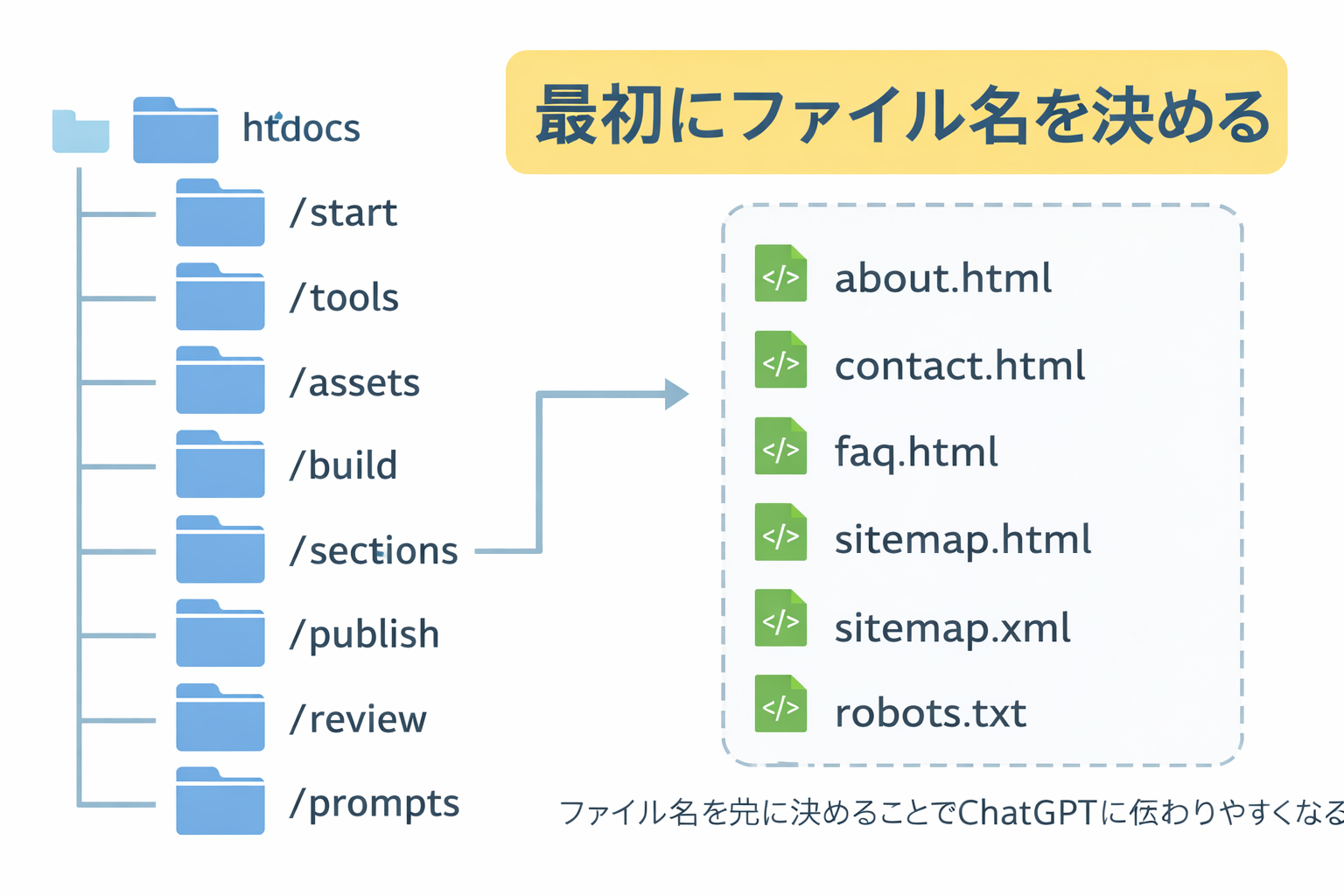

Filenames first is one of the strongest workflow rules on this site.
When you settle the file tree before generating pages, ChatGPT has a map to follow. That reduces tangents, keeps links cleaner, and gives you much more control over the site.
What does “decide filenames first” mean?
It means that before you ask ChatGPT to make any page HTML, you first decide:
- what folders the site will have
- what pages belong in each folder
- which pages are directory index pages
- which pages are detail pages
- what the final filenames will be
This is one of the cleanest ways to prevent a website from becoming messy.
Why filenames matter so much
1. They define the structure
Filenames and folders are not just labels. They are the skeleton of the site.
2. They keep ChatGPT focused
A defined file tree gives ChatGPT a known set of destinations instead of infinite possibilities.
3. They improve internal linking
When filenames are known in advance, section pages and future indexes can link more cleanly.
4. They reduce renaming pain
Renaming pages later can create broken links, inconsistent references, and confusion.
If the filenames are fuzzy, the project stays fuzzy.
Clear filenames do not guarantee a great site, but unclear filenames almost always make the site harder to manage.
Why this works especially well with ChatGPT
ChatGPT is very good at generating content once the destination is clear. It is less reliable when the project structure is vague. If you define the filenames first, you can ask for pages one by one with much better discipline.
This helps in several ways:
- less wandering into extra pages you did not ask for
- less confusion about where a page belongs
- more consistent section naming
- cleaner generation order
- easier sitemap creation later
The right sequence
This training site recommends the following order:
Define the site
Know the purpose, audience, language, and major sections first.
Decide filenames
Create the directory and page tree before asking for HTML.
Build pages one by one
Generate each HTML file deliberately using the approved filenames.
What a good filename list looks like
A good filename list is:
- clear
- predictable
- organized by section
- easy to understand later
- free of vague “final-final-new” chaos
Good examples
/en/index.html
/en/training/index.html
/en/training/step-01-build-locally-first.html
/en/training/step-02-define-the-site.html
/en/training/step-03-decide-filenames.html
/en/tools/index.html
/en/tools/putty-basics.html
/en/tools/winscp-basics.html
/en/tools/vi-basics.html
Weak examples
/en/page1.html
/en/newpage.html
/en/training/page.html
/en/training/final.html
/en/tools/stuff.html
The first group tells you what the site is. The second group creates confusion.
What should be included in the filename tree?
At this stage, you should list:
| Item | Include now? | Why |
|---|---|---|
| Main section folders | Yes | They define structure |
| Detail page filenames | Yes | They guide HTML creation |
| Language directories | Yes | Needed for bilingual planning |
| Homepage | Yes | Even if it gets built later |
Shared files like site.css and site.js |
Yes | They are part of the system |
| Actual HTML content | No | That comes after the structure |
One of the best lessons: feed the filenames back methodically
Do not assume ChatGPT will remember the entire structure forever. A much stronger method is:
- approve the filename tree
- store it in your notes
- paste relevant parts back into the chat during page creation
- generate one page at a time
This is one of the best ways to keep the model from going on tangents.
Do not rely on memory where a clean file list will do better.
Even a very good model works better when you keep feeding it the approved structure.
Directory indexes should usually come later
This site strongly recommends another related rule:
Plan the section index.html files early, but generate them only after the detail pages in that section are finished.
For example:
/en/tools/index.htmlshould usually be generated after:
/en/tools/putty-basics.html
/en/tools/winscp-basics.html
/en/tools/vi-basics.html
That way the section index can accurately reflect the real pages.

What a practical filename tree looks like
Here is a clean example for a bilingual training site:
index.html

/en/index.html
/en/about.html
/en/faq.html
/en/training/index.html
/en/training/step-01-build-locally-first.html
/en/training/step-02-define-the-site.html
/en/training/step-03-decide-filenames.html
/en/tools/index.html
/en/tools/putty-basics.html
/en/tools/winscp-basics.html
/en/tools/vi-basics.html

/ja/index.html
/ja/about.html
/ja/faq.html
/ja/training/index.html
/ja/training/step-01-build-locally-first.html
/ja/training/step-02-define-the-site.html
/ja/training/step-03-decide-filenames.html
/ja/tools/index.html
/ja/tools/putty-basics.html
/ja/tools/winscp-basics.html
/ja/tools/vi-basics.html

/images/...
/site.css
/site.js
/sitemap.xml
/robots.txt
That file tree already tells you a lot about the site, even before any HTML is written.
How to name files well
Good filenames are usually:
- descriptive
- lowercase
- hyphenated instead of using spaces
- consistent in style
- clear enough to understand months later
Good examples
putty-basics.html
winscp-basics.html
build-locally-first.html
save-image-urls.html
Less ideal examples
Putty.html
winscp_stuff.html
new-file.html
page2.html
really-final-fixed.html
What to avoid
Try to avoid:
- spaces in filenames
- mixed naming styles
- unclear temporary names
- renaming the same page repeatedly
- creating pages that do not belong to a known section
How to ask ChatGPT for filenames
A strong prompt for this stage sounds like this:
I have already defined the purpose and structure of my site.
Now I want you to propose a clean filename tree before we generate any HTML.
Please:
1. organize the pages into directories
2. use clear lowercase hyphenated filenames
3. include both English and Japanese versions if bilingual
4. include shared files like site.css and site.js
5. list the files in a clean tree format
That is much stronger than asking for pages first.
Why this step helps later steps
Once the filenames are settled:
- image planning gets easier
- HTML generation becomes more deliberate
- section indexes can be timed properly
- sitemap creation later is cleaner
- homepage planning becomes more realistic
In other words, a good file tree makes the whole site build smoother.
Real example: a weak process vs a strong process
Weak process
- Ask for a homepage
- Ask for some extra pages
- Rename pages later
- Forget where things belong
- Redo links repeatedly
Strong process
- Define the site
- Approve the filename tree
- Store the tree in your notes
- Generate detail pages one by one
- Create section indexes after their detail pages
- Create sitemap files near the end
- Build the homepage last
The second process is calmer and much more durable.
Filenames are not boring administration. They are strategic structure.
If you want the site to stay understandable later, the filenames need to be understandable now.
What you should have by the end of this step
By the end of Step 03, you should have:
- a clean filename tree
- approved folder names
- approved page names
- a sense of which pages are detail pages
- a sense of which pages are directory indexes
- a file list you can reuse in later prompts
Common beginner mistakes
1. Creating filenames as an afterthought
This leads to messy naming and rework.
2. Changing filenames repeatedly
A page that keeps changing names is harder to manage and link.
3. Using vague names
If the filename does not tell you what the page is, it is probably not strong enough.
4. Generating section index pages too early
This often means rewriting them later after the actual detail pages exist.
5. Forgetting to save the approved tree
Store the final filename list in your notes and keep feeding it back during the build.
Mini cheat sheet
Filenames first means:
- decide folders before pages
- decide page names before HTML
- use clear lowercase hyphenated names
- save the file tree in your notes
- generate detail pages before section index pages
- use the approved tree again in later promptsCan you do these six things?
Completed: 0/6