

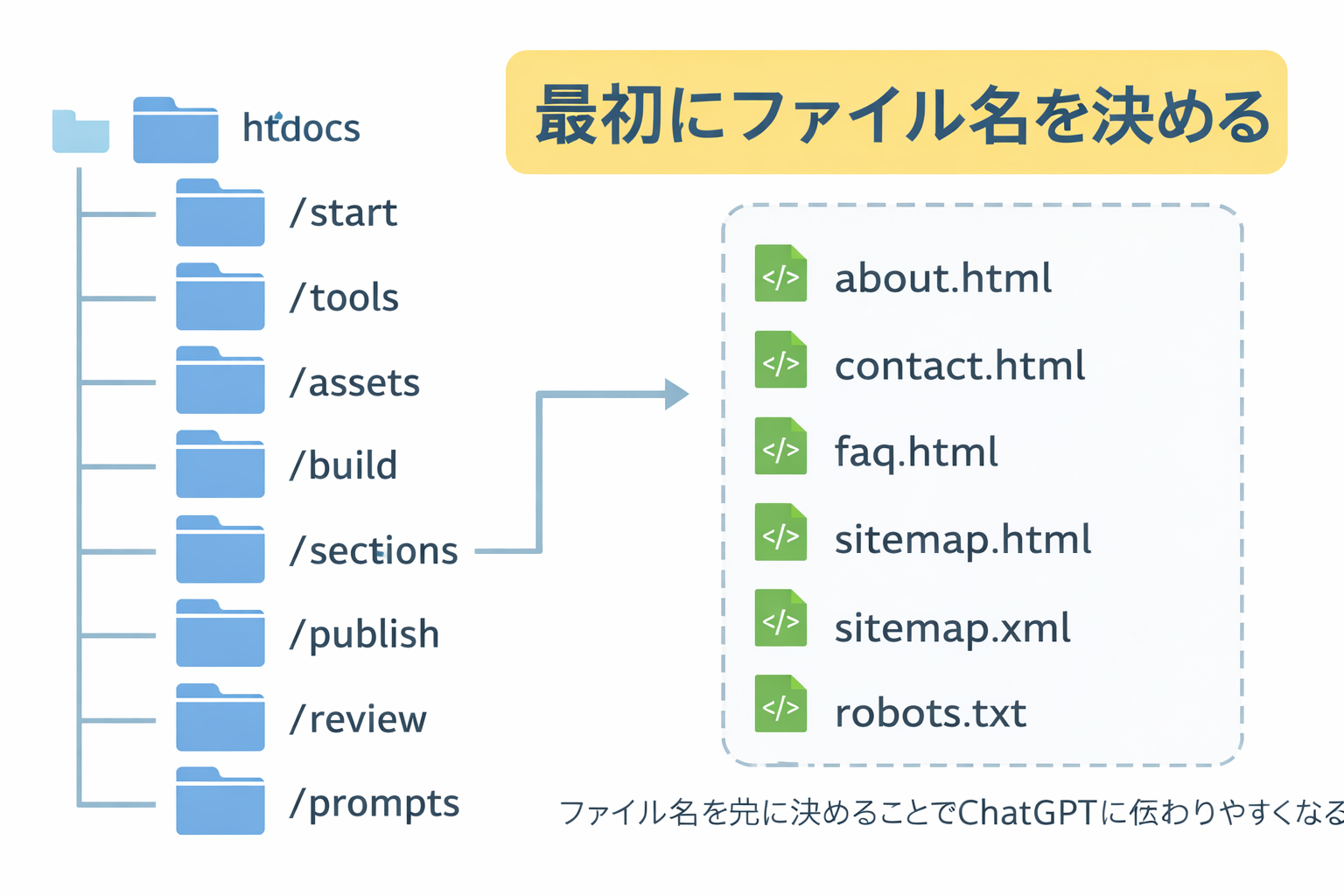

A section index should reflect reality, not intention.
If the detail pages are already built, the section page can honestly describe them, link them cleanly, and feel much more grounded. That is why the section index usually comes later.
What is a section index page?
A section index page is the main landing page for one category or folder. It introduces the section, explains what the visitor will find there, and links to the detail pages inside that section.
Examples
/en/tools/index.html
/en/training/index.html
/en/history/index.html
These pages are important because they organize the experience for the visitor. But they work best when the inner pages already exist.
Why section index pages usually come later
1. They need real links
A section index is stronger when it links to real finished pages instead of imaginary placeholders.
2. They need honest summaries
It is easier to describe what a section contains once you know what it actually contains.
3. They reduce rework
If you make the section page too early, you often end up rewriting it after the detail pages are completed.
4. They improve the visitor experience
A good section page should feel like a confident overview, not a vague promise.
The section page should summarize the section, not invent it.
That is one of the cleanest ways to think about section indexes.
Examples of section pages and their detail pages
Tools section
/en/tools/index.html

with detail pages:
- /en/tools/putty-basics.html
- /en/tools/winscp-basics.html
- /en/tools/vi-basics.html
Training section
/en/training/index.html

with detail pages:
- /en/training/step-01-build-locally-first.html
- /en/training/step-02-define-the-site.html
- /en/training/step-03-decide-filenames.html
- and so on
In both cases, the section page becomes much better when the real destination pages already exist.
Do not let section pages become vague placeholders.
A section page should feel like a useful map, not a vague announcement that “more will come later.”
What a good section index page should do
A strong section page should:
- introduce the section clearly
- explain what the section is for
- show the most important destination pages
- use real internal links
- reflect the actual tone and structure of the section
- make the visitor want to continue deeper
What a section page should not do
Avoid these mistakes:
- listing pages that do not exist yet
- describing the section in vague marketing language only
- pretending to summarize a section that is still undefined
- using fake links as placeholders
- trying to substitute for the real detail pages
How to know when a section is ready for an index page
A section is usually ready for its index page when:
- its main detail pages already exist
- you know which pages are the strongest entry points
- the section has a clear identity
- the section page can link to real pages without guessing
That does not mean the section must be “perfectly complete forever.” It means it has enough substance to organize honestly.
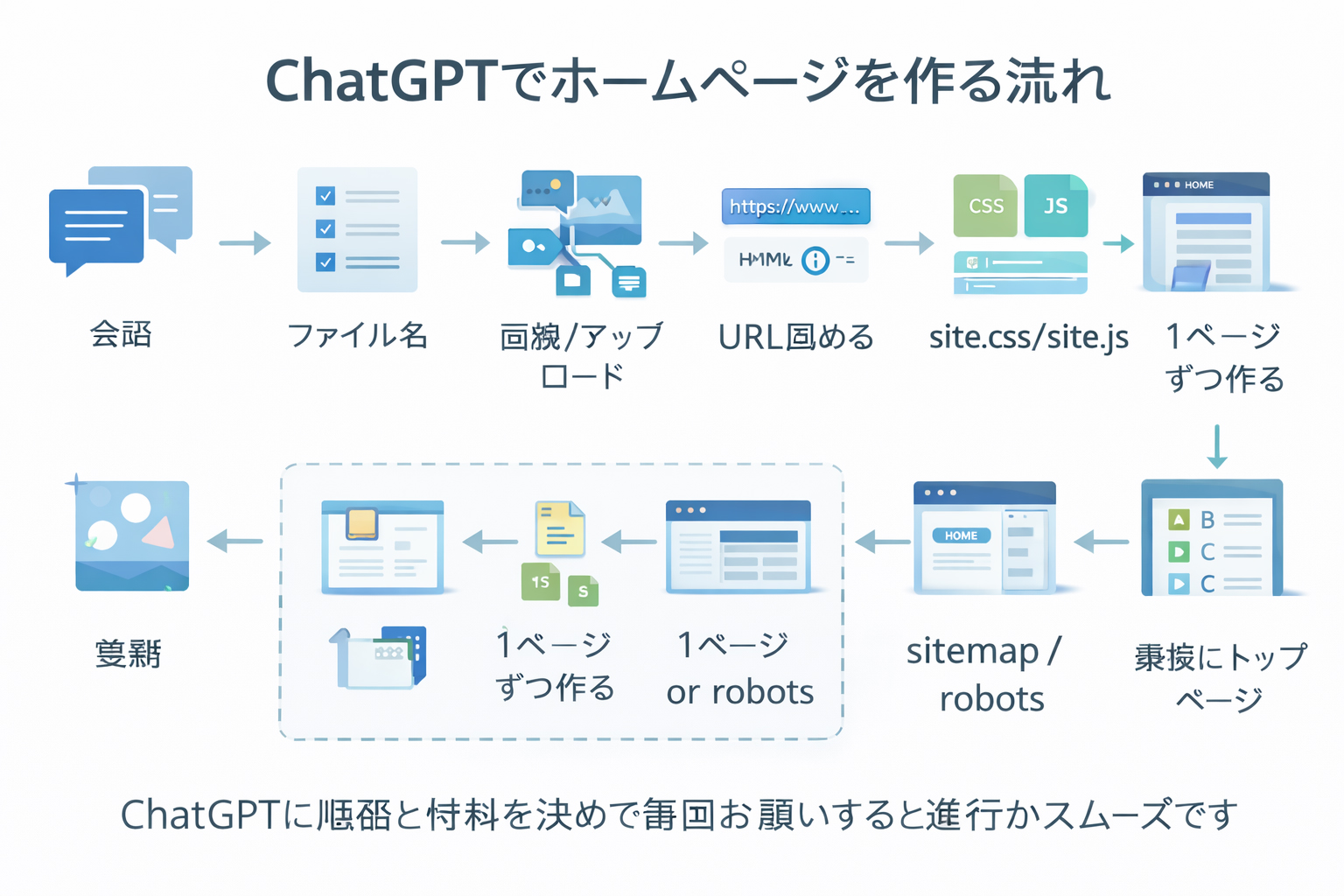
How to prompt ChatGPT for a section index page
The strongest way is to reference the actual pages now inside the section.
Example prompt
Make /en/tools/index.html

This section page should organize these completed detail pages:
- /en/tools/putty-basics.html
- /en/tools/winscp-basics.html
- /en/tools/vi-basics.html

Use these approved images:
https://website.co.jp/images/website-putty-terminal.jpg
https://website.co.jp/images/website-winscp-files.jpg
https://website.co.jp/images/website-vi-editor.jpg
https://website.co.jp/images/webbie-pointing.jpg

Use the shared /site.css and /site.js.
The page should introduce the tools section clearly, explain why these tools matter,
and link visitors to the three detail pages.
That is much stronger than “make a tools page.”
What a section index page usually contains
| Part | Purpose |
|---|---|
| Section hero | Introduce what the section is about |
| Section summary | Explain why the section matters |
| Page cards or list | Link to the real detail pages |
| Helpful visuals | Reinforce the section’s theme |
| Forward navigation | Help the user continue deeper into the site |
Real example: why the tools index works better later
Compare these two situations.
Weak timing
You create /en/tools/index.html before you have written:
/en/tools/putty-basics.html
/en/tools/winscp-basics.html
/en/tools/vi-basics.html
Now the section page has to guess what those pages will eventually say.
Strong timing
You first complete the three tool pages. Then the tools index can honestly say:
- PuTTY teaches server access
- WinSCP teaches file transfer
- vi teaches direct text editing
That makes the section page feel more real and much more useful.
Section pages are stronger when they are based on finished knowledge, not predicted knowledge.
That is why this workflow deliberately delays them until later.
How this helps the homepage later
Another hidden benefit of doing section indexes later is that the homepage eventually becomes easier too.
Why? Because once the section pages are real and complete, the homepage can point to:
- real sections
- real summaries
- real entry points
- real highlights
That is much better than trying to build the homepage around half-built categories.

How to build section pages cleanly
Use the same discipline you used for the detail pages:
Name the exact target file
Example: /en/tools/index.html
List the completed detail pages in the section
This gives ChatGPT the real structure to organize.
Provide the relevant approved image URLs
Use visuals that honestly fit the section.
Require shared CSS and JS usage
Keep the page aligned with the system.
Review whether the section page matches the actual section
The page should feel like an organized overview, not an abstract ad.
What not to do at this stage
- do not create fake section links to unfinished pages
- do not use the section page to compensate for weak detail pages
- do not let the section page become longer than the whole section needs
- do not skip linking to the real pages the section exists to organize
A section page is not a substitute for the section’s real content.
Its job is to organize, introduce, and guide—not to replace the actual detail pages.
How bilingual section pages should behave
On a bilingual site, section indexes work best when they mirror the real structure of each language.
Example
/en/tools/index.html
/ja/tools/index.html
Each should reflect the actual detail pages inside its own language branch. This is another reason why section pages work best after the detail pages already exist.
Common beginner mistakes
1. Making section indexes too early
This is the biggest mistake this step is trying to prevent.
2. Writing vague section summaries
A section page should explain what is actually inside, not just say “learn more here.”
3. Forgetting to link the strongest pages clearly
The section page should make the next click easy.
4. Treating the section page like a homepage
A section page is narrower. It should focus on organizing its own category.
5. Ignoring the real order of the build
If the detail pages are unfinished, the section page is likely to stay half-true.
Build from substance outward.
Detail pages create the section’s real substance. The section page should come after that substance exists.
What you should have by the end of this step
By the end of Step 10, you should have:
- section index pages built after their detail pages
- real internal links to real destination pages
- clean section summaries that reflect reality
- a stronger base for sitemap generation next
Mini cheat sheet
For section index pages:
- wait until the detail pages exist
- summarize real content
- link real destination pages
- use approved section-relevant images
- rely on shared /site.css and /site.js
- keep the page focused on organizing the section

Detail pages first.
Section index pages second.
Homepage later.Can you do these six things?
Completed: 0/6