
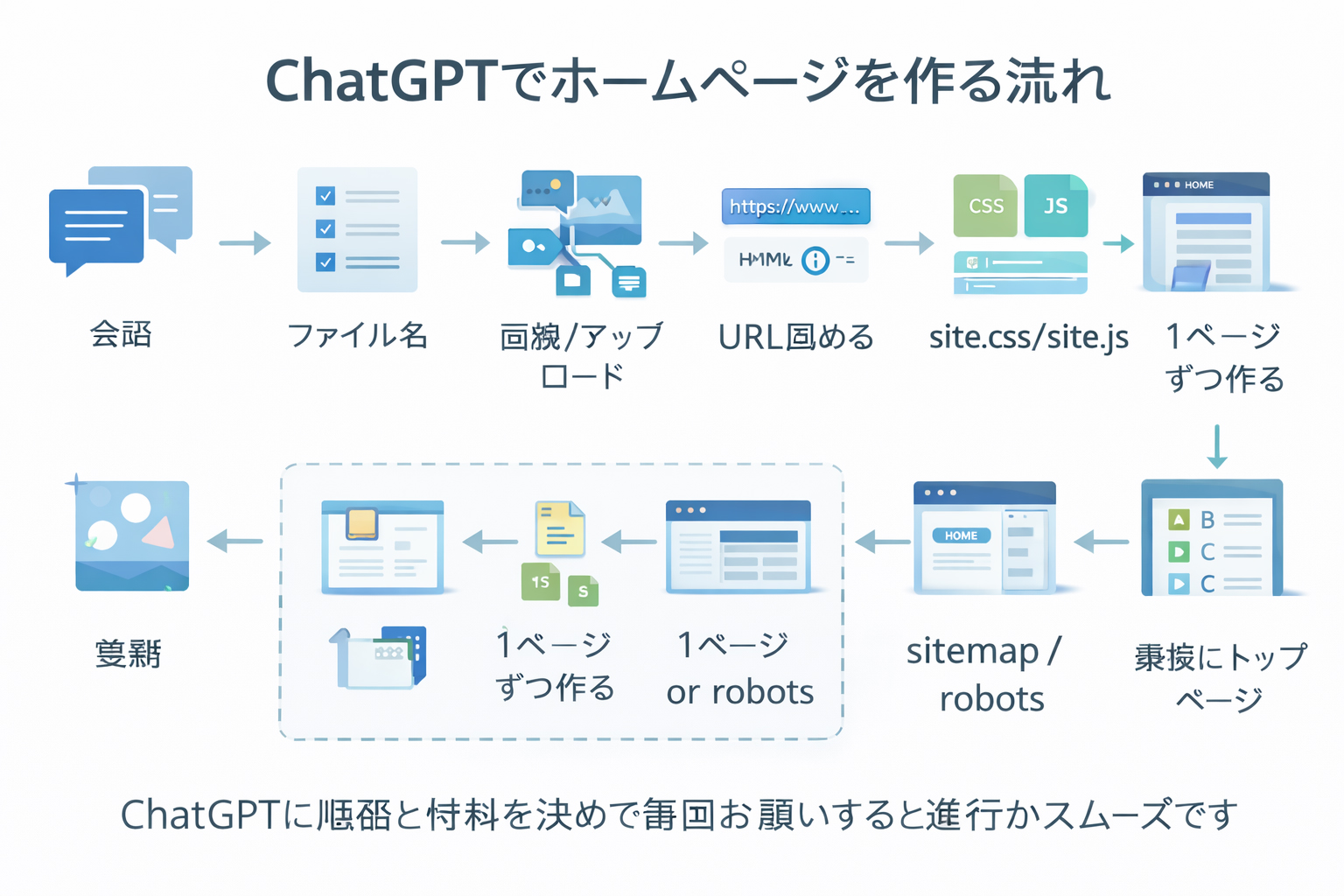

A sitemap should describe the site you actually built.
That is why this workflow waits until the later stages. A sitemap is strongest when it is based on real completed pages, not a half-finished plan.
What files are we talking about?
In this step, you are usually creating three utility files:
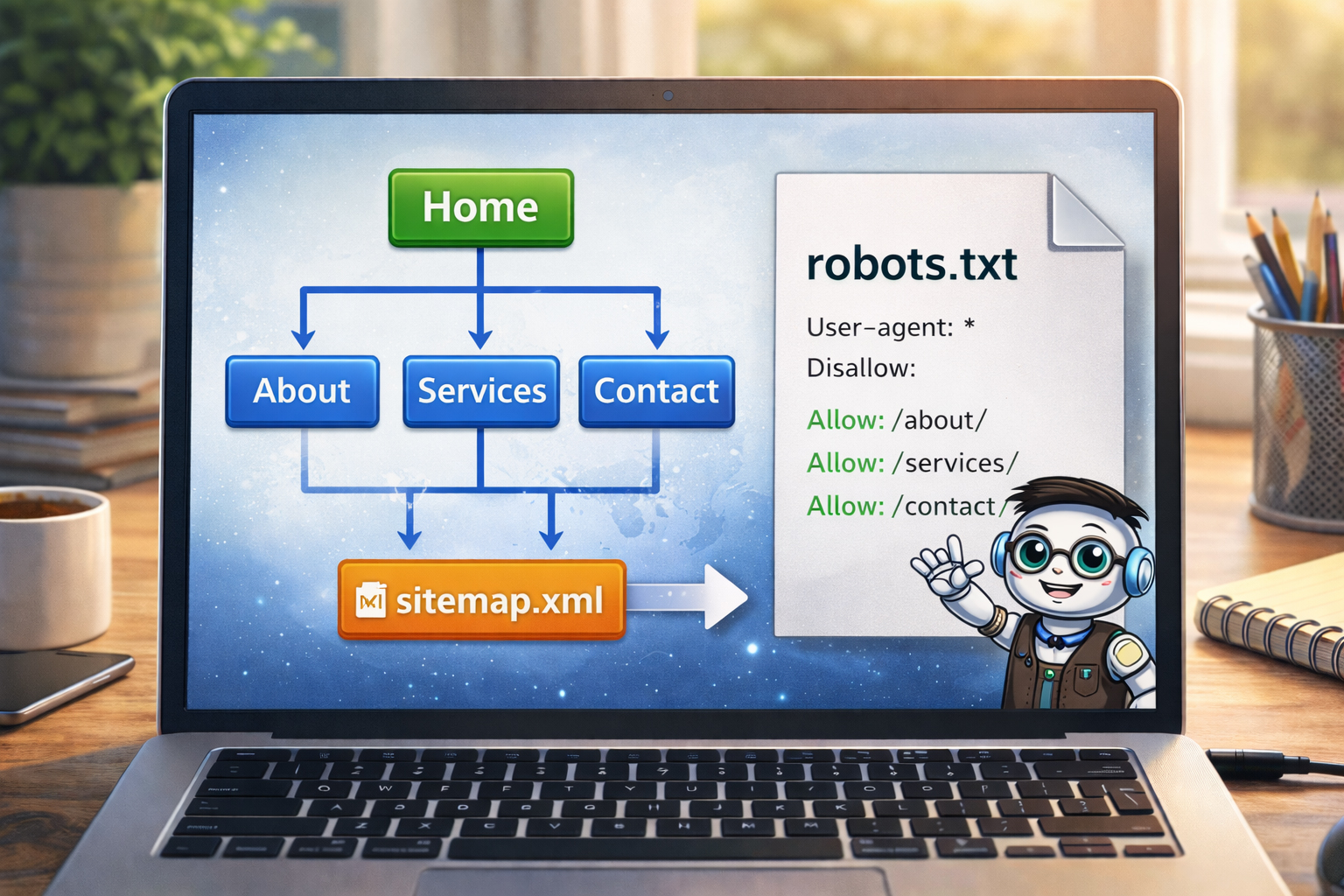
/sitemap.html— a human-friendly page listing the site’s pages/sitemap.xml— a search-engine-facing sitemap file/robots.txt— a small file giving crawler guidance
These files are not the emotional center of the site, but they are part of a disciplined finish.
Make the sitemap files after the site structure is real.
This reduces rework and makes the files more trustworthy.
Why these files should come late
By now in the workflow, you should already have:
- the site definition
- the approved filename tree
- the key images and their URLs
- the shared
site.cssandsite.js - the detail pages
- the section index pages
That means the sitemap files can now describe a real site instead of a partly imagined one.
Do not make the sitemap files too early and then forget to update them.
If you make them before the site is mature enough, they quickly become inaccurate.
What sitemap.html is for
sitemap.html is the human-readable site map. It is an actual webpage that visitors can use to browse the site structure.
It is useful because:
- it gives a clean overview of the site
- it helps users find sections and pages
- it makes the structure easier to review
- it is a good internal checkpoint for completeness
What it should include
- main language entry points if the site is bilingual
- major sections
- important detail pages
- clear grouping by category
What sitemap.xml is for
sitemap.xml is a machine-readable sitemap used mainly by search engines and site tools.
It helps express:
- what pages exist
- which URLs are real and intended to be part of the site
- the structure of the public-facing website
For a static site, this file is often straightforward, but it still benefits from being based on the final page list.
What robots.txt is for
robots.txt is a simple text file that gives guidance to crawlers. A basic version often does things like:
- allow crawling of the public site
- point crawlers to the location of
sitemap.xml
For many simple public websites, it can be very short.
Example pattern
User-agent: *
Allow: /

Sitemap: https://website.co.jp/sitemap.xml
The exact file depends on the site, but the point is that it should match reality.
Why sitemap.html and sitemap.xml are different
| File | Primary audience | Main role |
|---|---|---|
sitemap.html |
Human visitors | Show a readable map of the site |
sitemap.xml |
Search tools and crawlers | Provide a structured list of URLs |
They are related, but not identical.
How to build the sitemap files properly
A strong process is:
Review the real file tree
Make sure the site structure you list is the current, real structure.
List the real public pages
Include the pages that should actually be part of the finished site.
Group the pages logically
This is especially useful for sitemap.html.
Create sitemap.xml from the real URL list
Only include the public pages that actually belong there.
Create or update robots.txt
Include the sitemap location and keep the crawler guidance aligned with the real site.
How to prompt ChatGPT for these files
Because these files depend on the real site structure, your prompt should include the actual page list.
Example prompt
Now that the detail pages and section indexes are complete,
make these files:

/sitemap.html
/sitemap.xml
/robots.txt

Use this real page list:
- /en/index.html
- /en/about.html
- /en/faq.html
- /en/training/index.html
- /en/training/step-01-build-locally-first.html
- /en/training/step-02-define-the-site.html
- /en/tools/index.html
- /en/tools/putty-basics.html
- /en/tools/winscp-basics.html
- /en/tools/vi-basics.html
- /ja/index.html
- /ja/about.html
- /ja/faq.html
- /ja/training/index.html
- /ja/tools/index.html

Make sitemap.html human-readable.
Make sitemap.xml machine-readable.
Make robots.txt simple and point to the sitemap.xml file.
That is much stronger than asking for these files without giving the real page set.
What not to include blindly
Be careful not to automatically include every file that exists in your local project folder.
For example, you may not want to include:
- backup files
- unfinished drafts
- old experiments
- private planning files
- unused local assets
The sitemap files should reflect the intended public site.
A sitemap is not a dump of everything in the folder tree.
It is a structured expression of the real public site.
Why this step still comes before the homepage
In this workflow, the homepage comes even later. That may feel unusual, but it is very intentional.
By creating the sitemap files now, you:
- confirm the site’s real structure
- see what pages actually exist
- spot missing or uneven sections
- prepare a cleaner foundation for the final homepage
This means the homepage can later be built on top of a real, mapped-out site.

How sitemap.html also helps you as the builder
Although sitemap.html can help visitors, it also helps you as the site owner because it reveals:
- whether the sections feel balanced
- whether key pages are missing
- whether the bilingual structure is coherent
- whether the navigation logic still makes sense
In that way, it is almost a self-check before the homepage.
Common beginner mistakes
1. Making sitemap files too early
This is the main mistake. It usually creates files that are already out of date before the site is done.
2. Forgetting to use the real page list
If you do not feed ChatGPT the real URL set, the result may drift or omit important pages.
3. Including drafts and backups
Public sitemap files should usually represent public pages, not every working file you ever created.
4. Making robots.txt too complicated too early
Many simple sites are better served by a short clear file than by an overcomplicated one.
5. Forgetting that the homepage still comes later
In this workflow, the sitemap files are a late-stage structural step, not the emotional finale.
A good sitemap reflects the site you built, not the site you merely intended to build.
That is why timing matters here.
What you should have by the end of this step
By the end of Step 11, you should have:
- a real
sitemap.htmlpage - a real
sitemap.xmlfile - a clear
robots.txtfile - a more complete understanding of the true site structure
- a stronger foundation for the final homepage
Structure before showcase.
The sitemap files are part of confirming the structure. Once the structure is confirmed, the final homepage becomes much easier to do well.
Mini cheat sheet
Near the end of the build:
- make sitemap.html for people
- make sitemap.xml for tools and crawlers
- make robots.txt to guide crawler behavior
- base all three on the real public page list
- do this after detail pages and section indexes
- do this before the final homepageCan you do these six things?
Completed: 0/6