
1
SSH access
PuTTY Basics
Learn how to connect to your server with SSH, check where your website files live, move between folders, make backup copies, and get comfortable with basic command-line website work.
These are the practical tools behind real website ownership. Learn how to connect to your server with PuTTY, move files safely with WinSCP, and make direct edits with vi. You do not need to become a full-time developer. You need enough skill to stay informed, capable, and hard to trap.
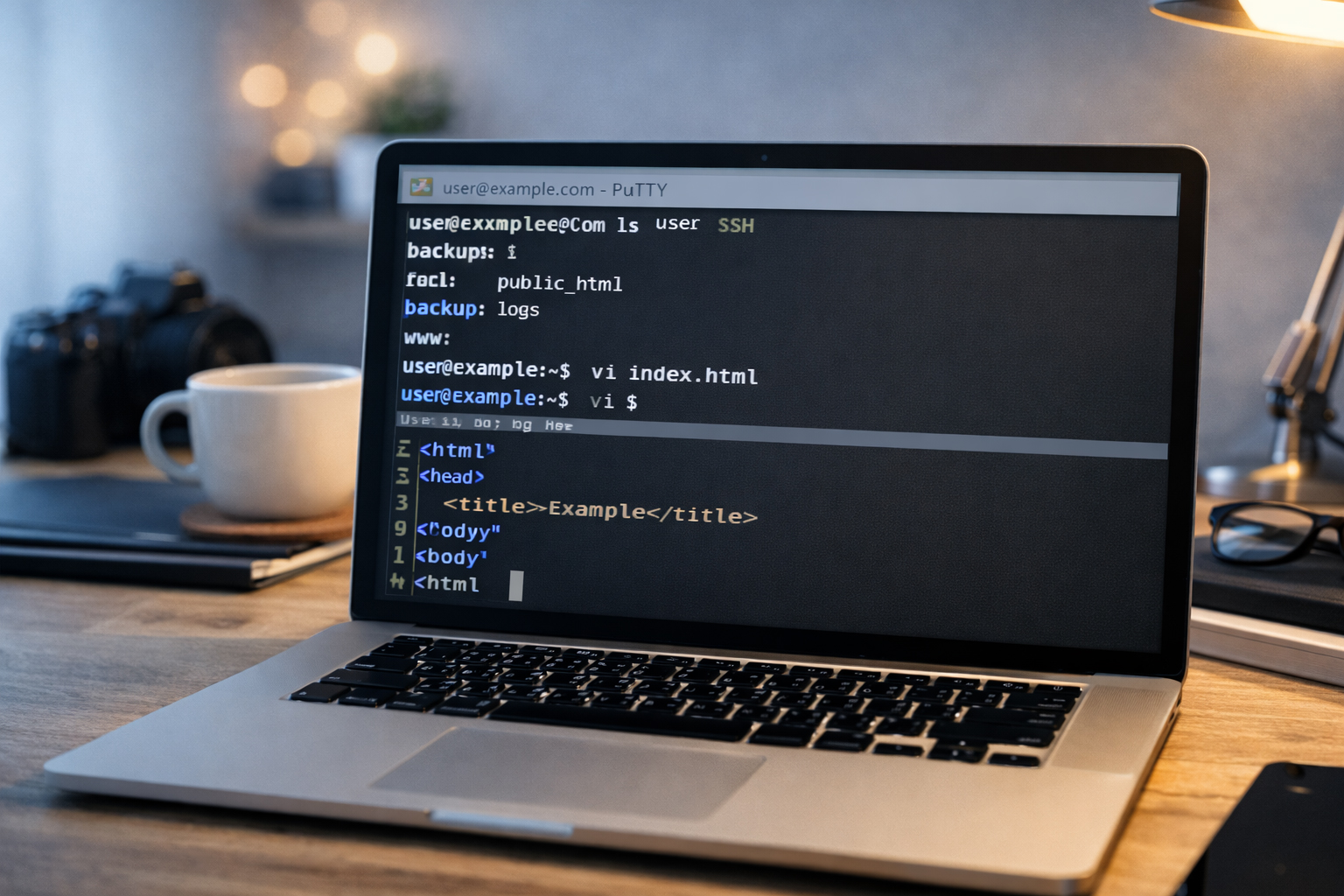

Many business owners get stuck because the server feels mysterious. These tool guides are here to fix that. Learn the basics, practice calmly, and you will understand much more of your own website than you think.
Each page teaches one real-world tool from the perspective of a website owner, not a systems engineer. The goal is not hype. The goal is useful control.
Learn how to connect to your server with SSH, check where your website files live, move between folders, make backup copies, and get comfortable with basic command-line website work.
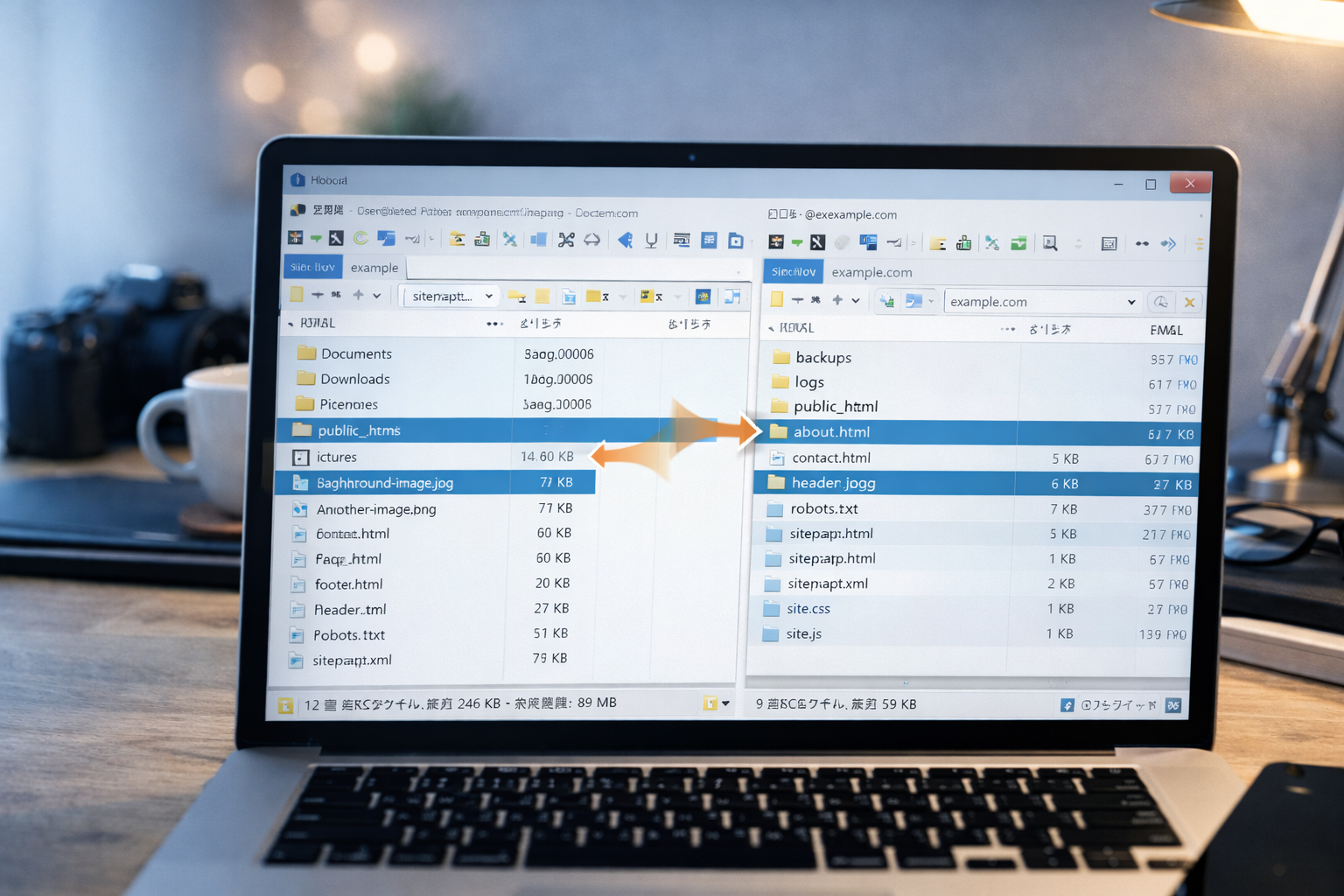
Learn how local files and server files relate, how to upload and replace pages safely, how to create folders, and how to manage images and live URLs with much less confusion.
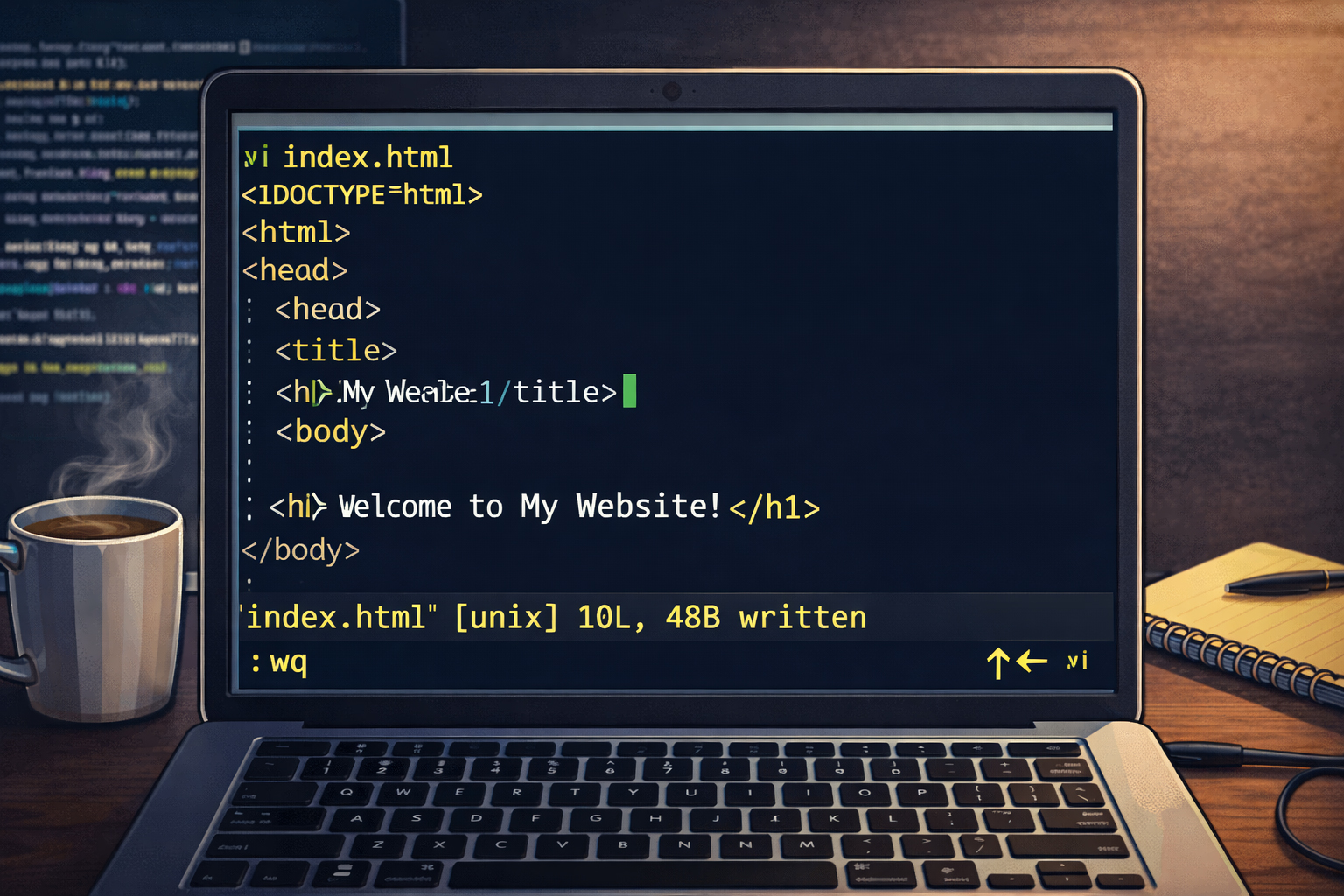
Learn the essential commands for opening files, entering insert mode, saving, quitting, copying, pasting, searching, and making small HTML edits directly on a server.
These are not random technical tools. They form a practical website-control toolkit.
PuTTY helps you connect, verify paths, move around folders, and make quick backups before you touch anything important.
WinSCP is ideal for uploading finished HTML pages, CSS, JavaScript, and images, and for keeping the file structure clear.
vi is useful when you need a direct text edit on the server and do not want to depend on someone else for a small fix.
That is the calm and durable way to work. Learn the tools, but use them in the right order.

These tool guides are meant to be practical. You should come away able to do real things.
pwd, ls, and cdmkdircp file file.bakvii:w or :wq:q! if neededThe point is not to become fancy. The point is to understand enough of your own website so that files, paths, uploads, and small changes do not become mysterious or hostage-controlled.
PuTTY is the best first step if you want to understand where your files actually are and what the server looks like from the inside.
If you prefer side-by-side file views and drag-and-drop publishing, WinSCP is a strong companion to PuTTY.
One of the biggest lessons behind website.co.jp is that owners should understand enough of the tools around their site that they are not easily trapped by withheld files, unclear access, or basic technical gatekeeping. PuTTY, WinSCP, and vi are part of that independence.